
Balloon Navigator

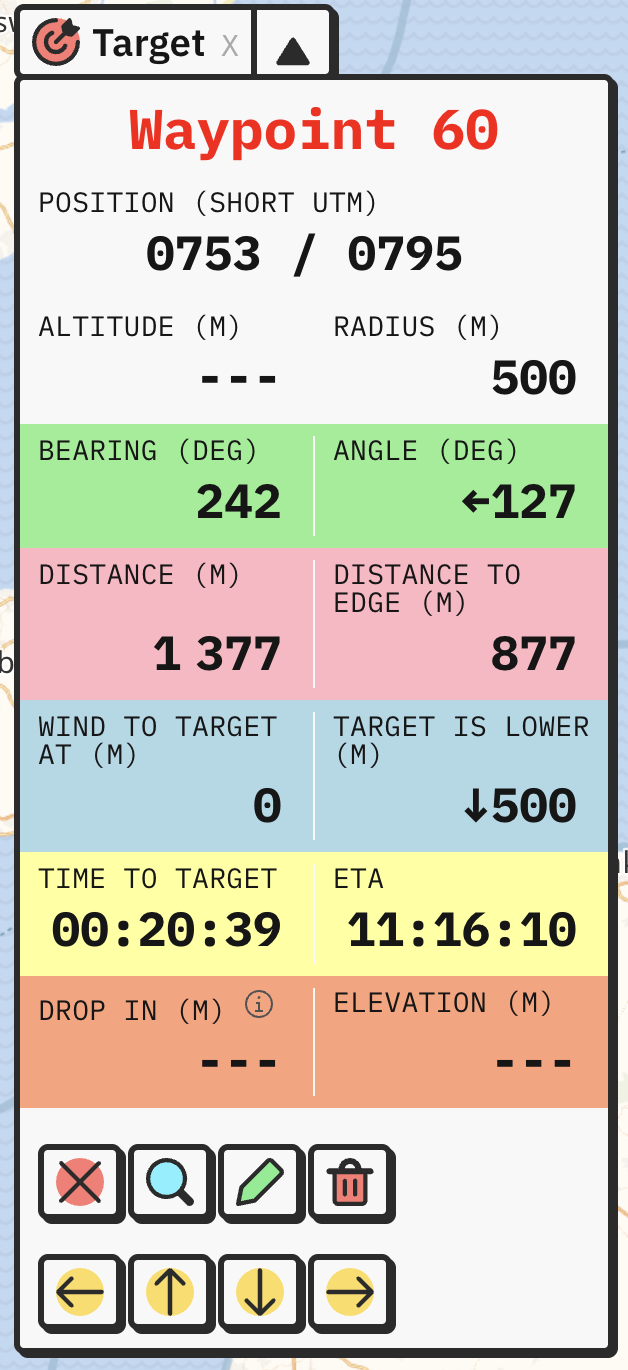
You set waypoint as Target by clicking red target button on the Selected waypoint panel, or press ALT + X. You can show/hide the Target panel with X key.
What will happen:
You don’t have to use this mode, as simply selecting waypoint already shows all the data. The idea for navigating is to use it for the current target you’re flying to, and always have it on top. At the same time, you can select different waypoints and quickly compare data without losing track of your current primary target.